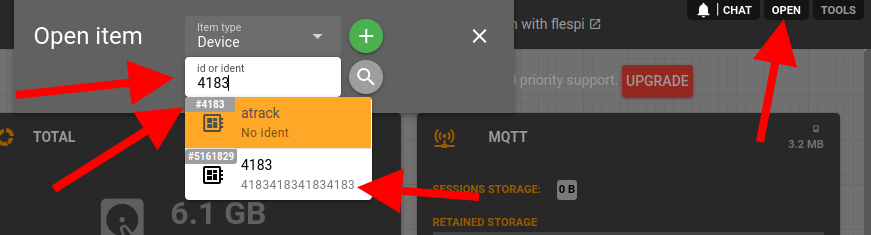
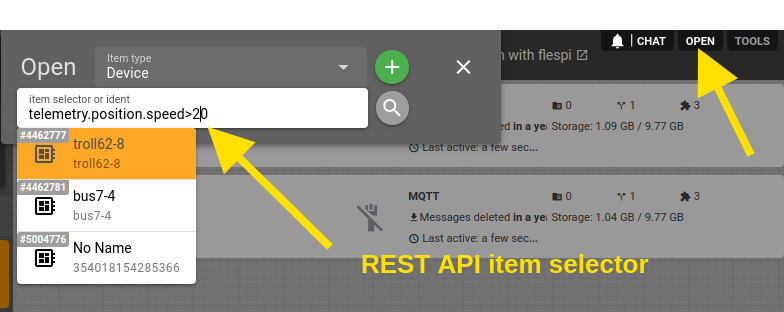
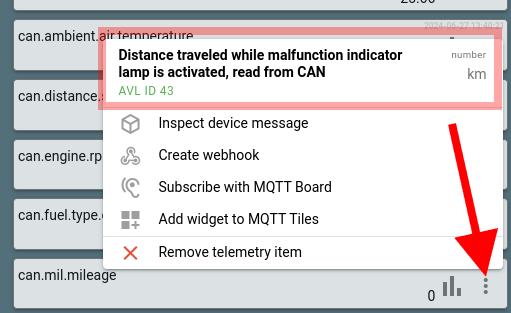
dexif 4.43.23 You can now use the REST API selector to find items through the open item dialog. Examples: telemetry.position.speed>20 device_type_name=fmc003 name=*bus* protocol_name=teltonika,name=*devicename* plugins.fields.fieldname=123 changelog
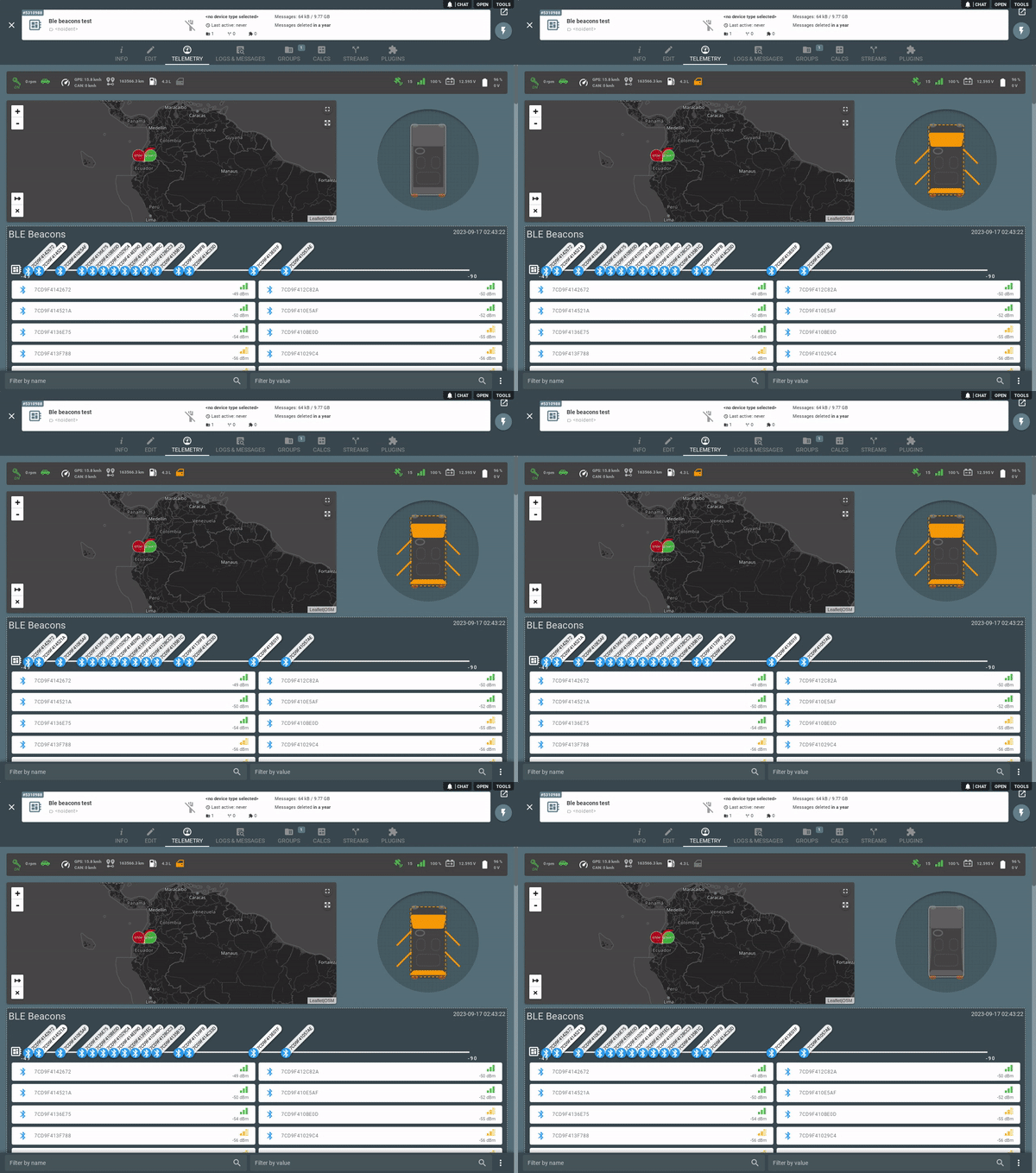
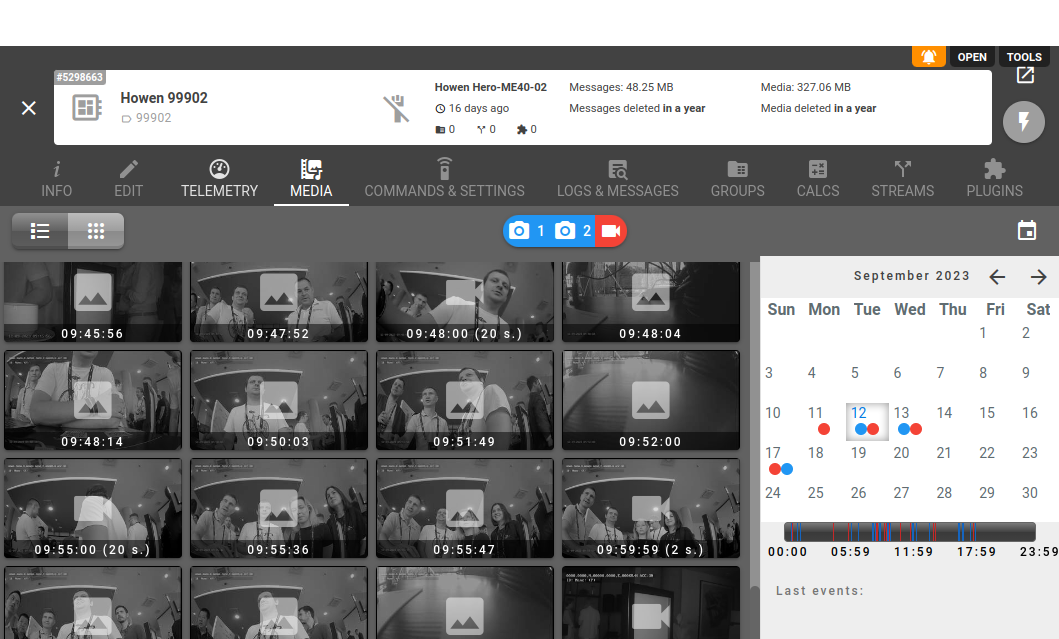
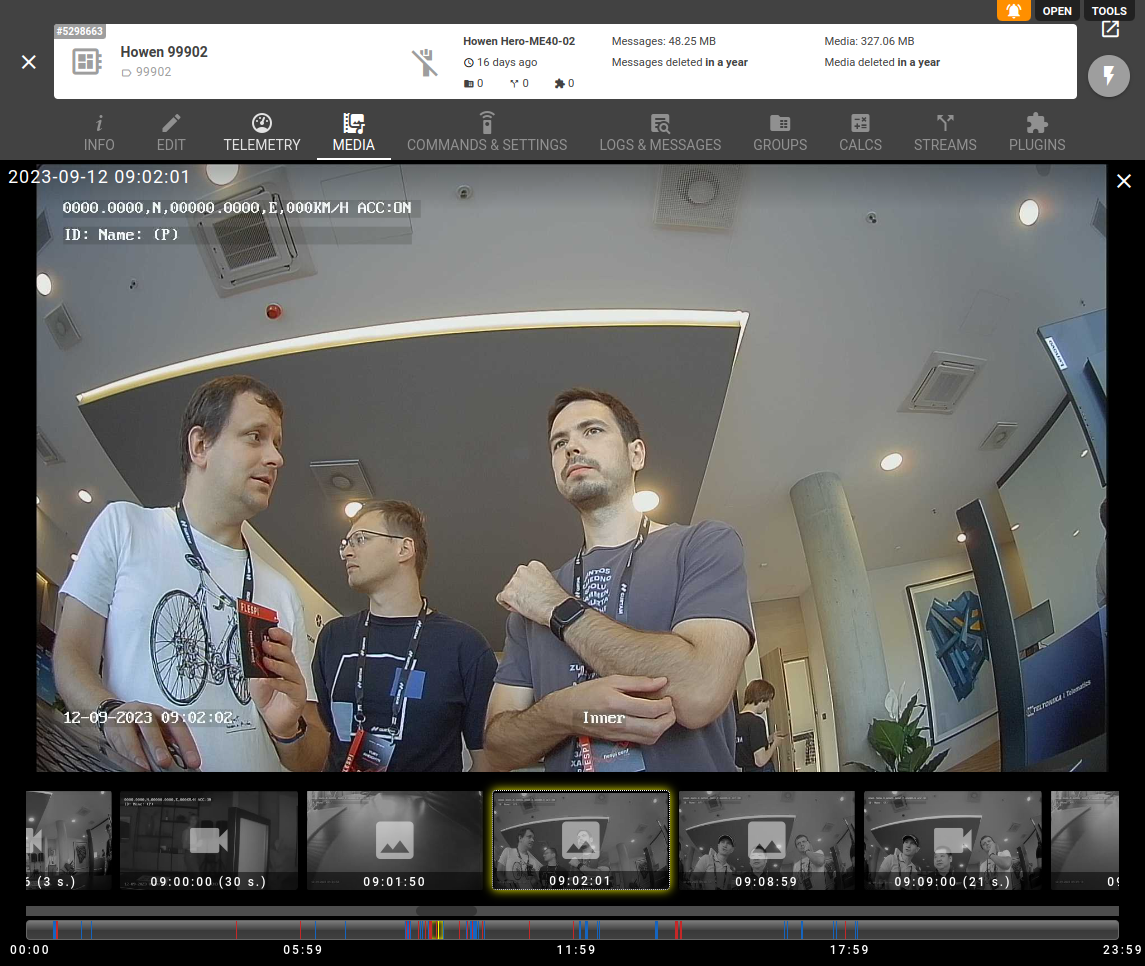
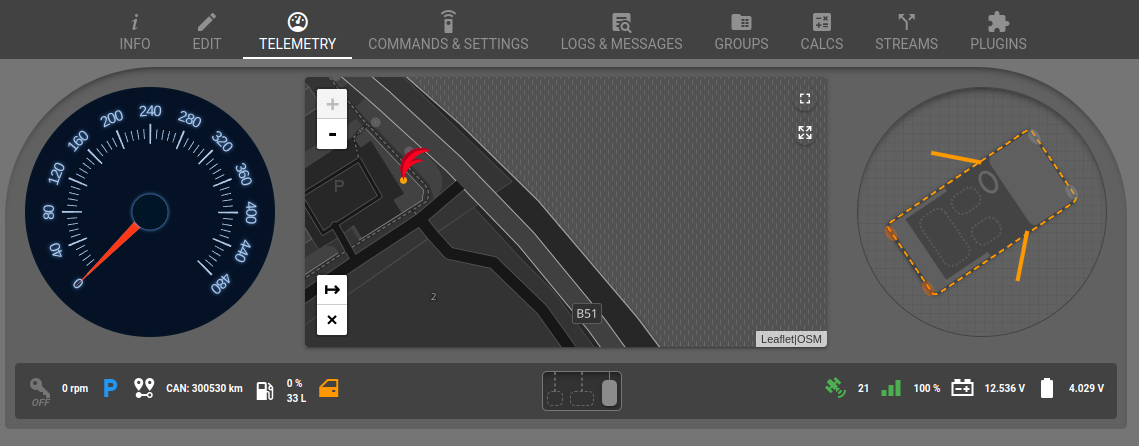
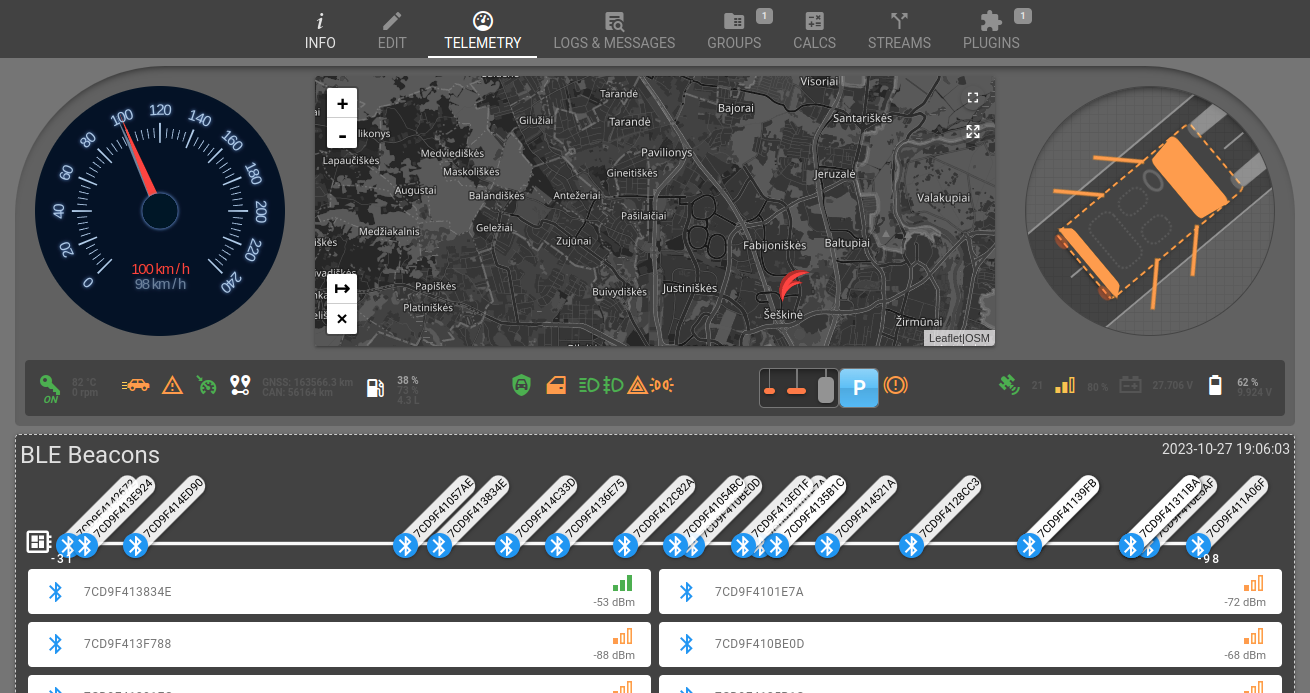
dexif 4.45.0 - Telemetry experimental features added (Status bar, car doors visualization, BLE Beacons signal strength visualization) - Fix message re-registration tool for a small number of messages. - timestamp editable control 4.44.0 - Experimental media tab (for howen, teltonika, telegram devices)
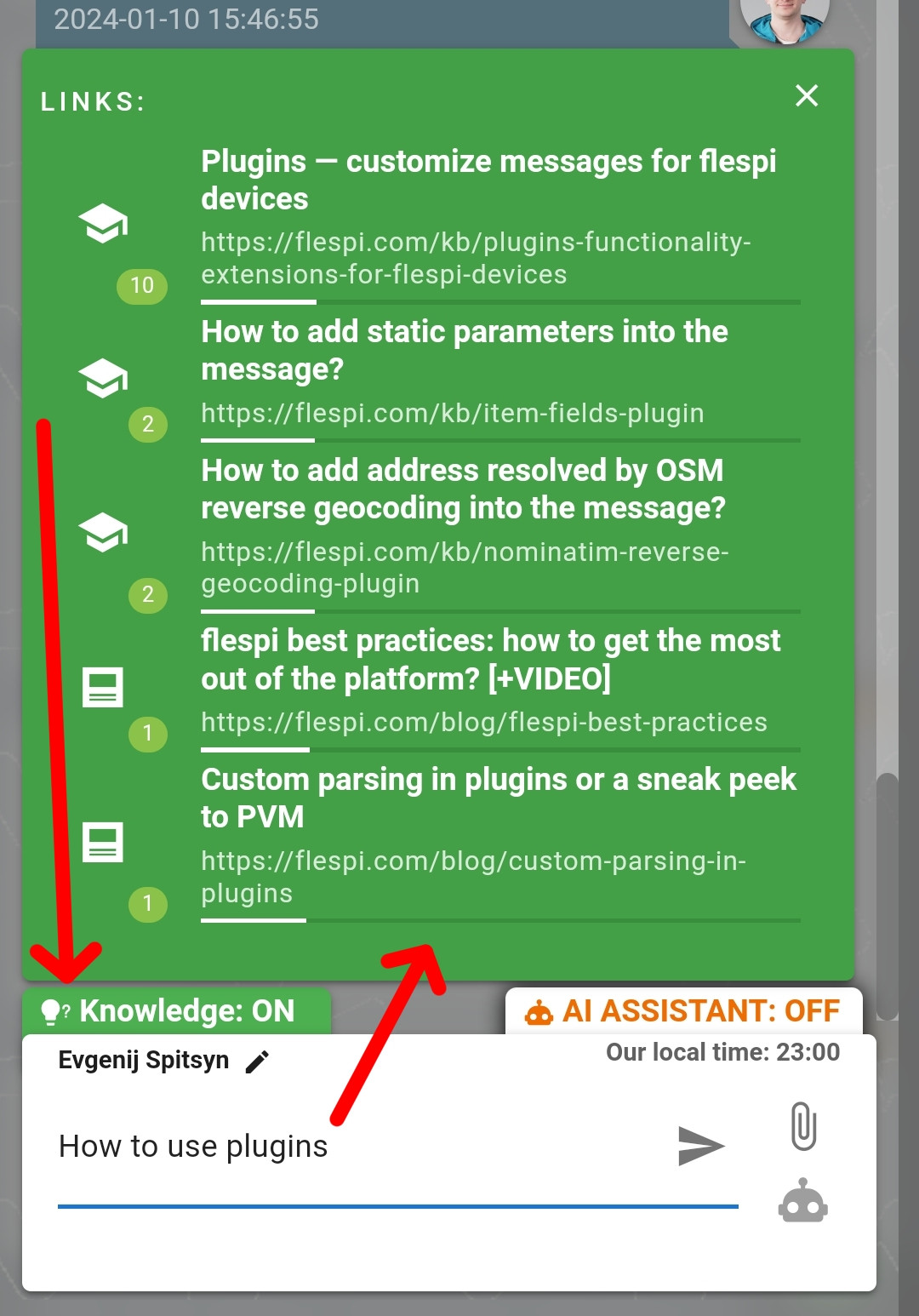
dexif HelpBox 2.6.0 Now you can get an answer to your question even without sending a message in the chat. If you activate Knowledge in the chat, as you type your question, you will be offered links to articles on the topic of your question. And most likely, the answer to your question is described in detail in the relevant article in our knowledge base or blog.
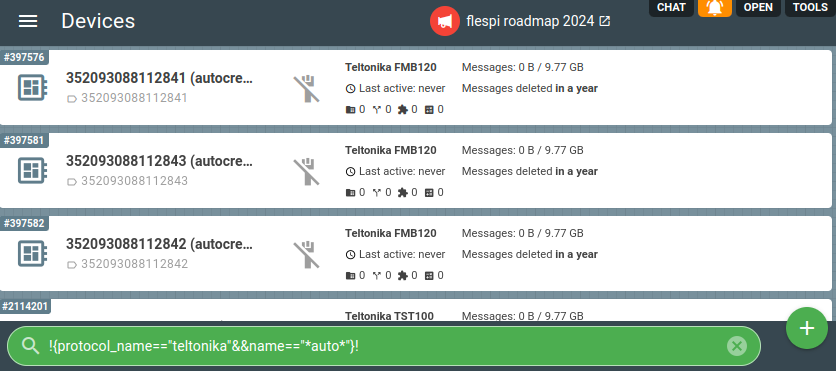
dexif 4.46.0 - Now you can use REST selectors in the main filter to filter items. For example, you can list the device IDs: !111,2222,3333! Or use expressions to find devices that meet the condition: !{protocol_name=="teltonika" && name=="*auto*"}!
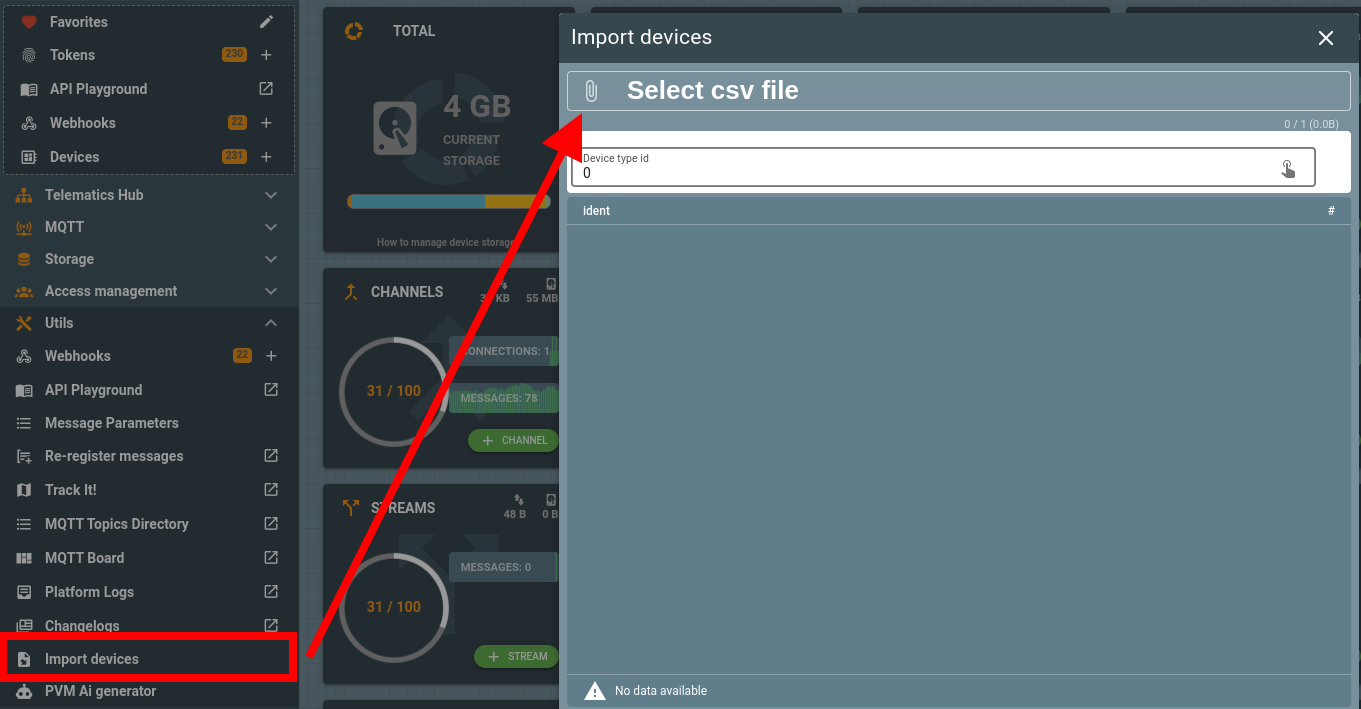
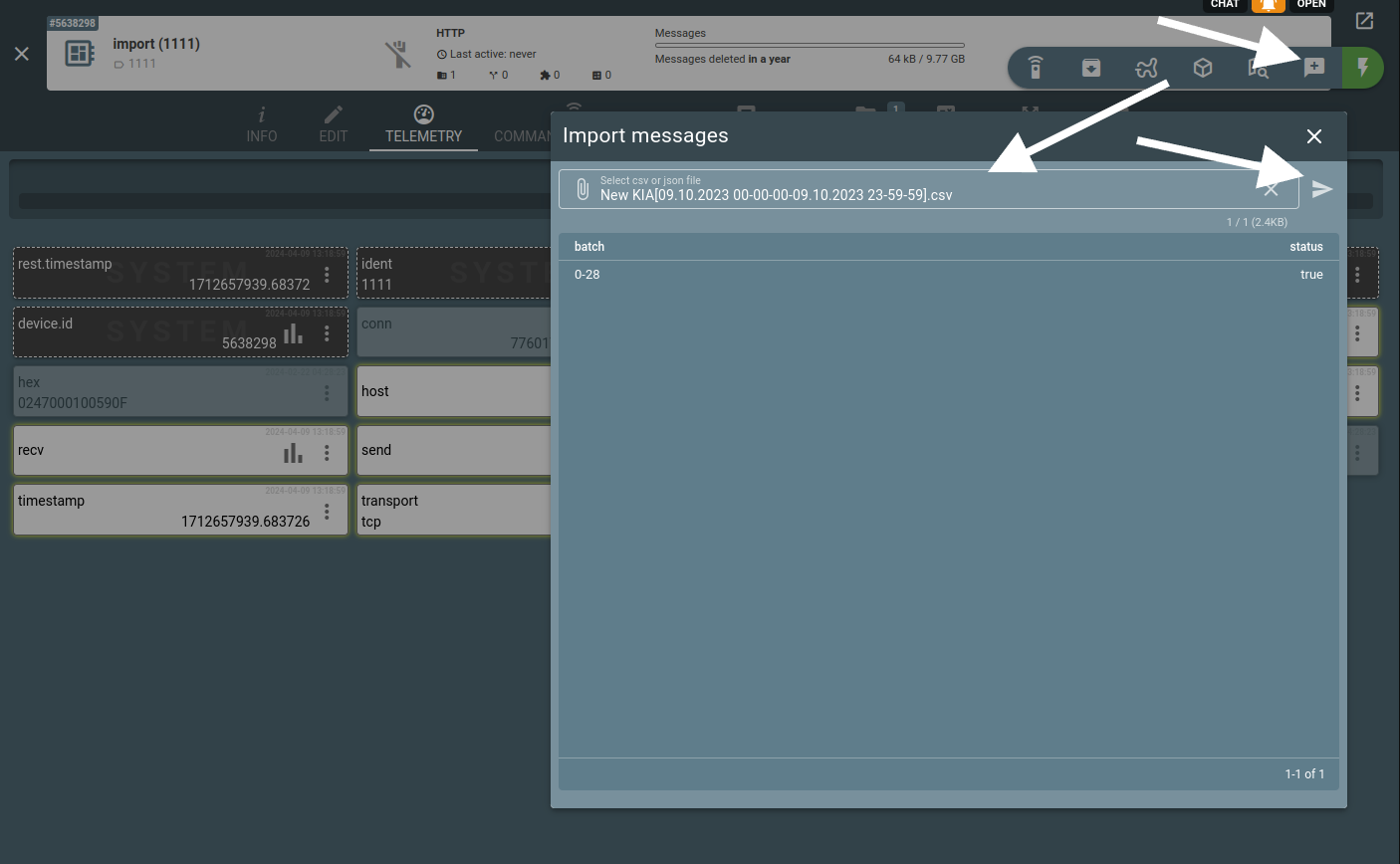
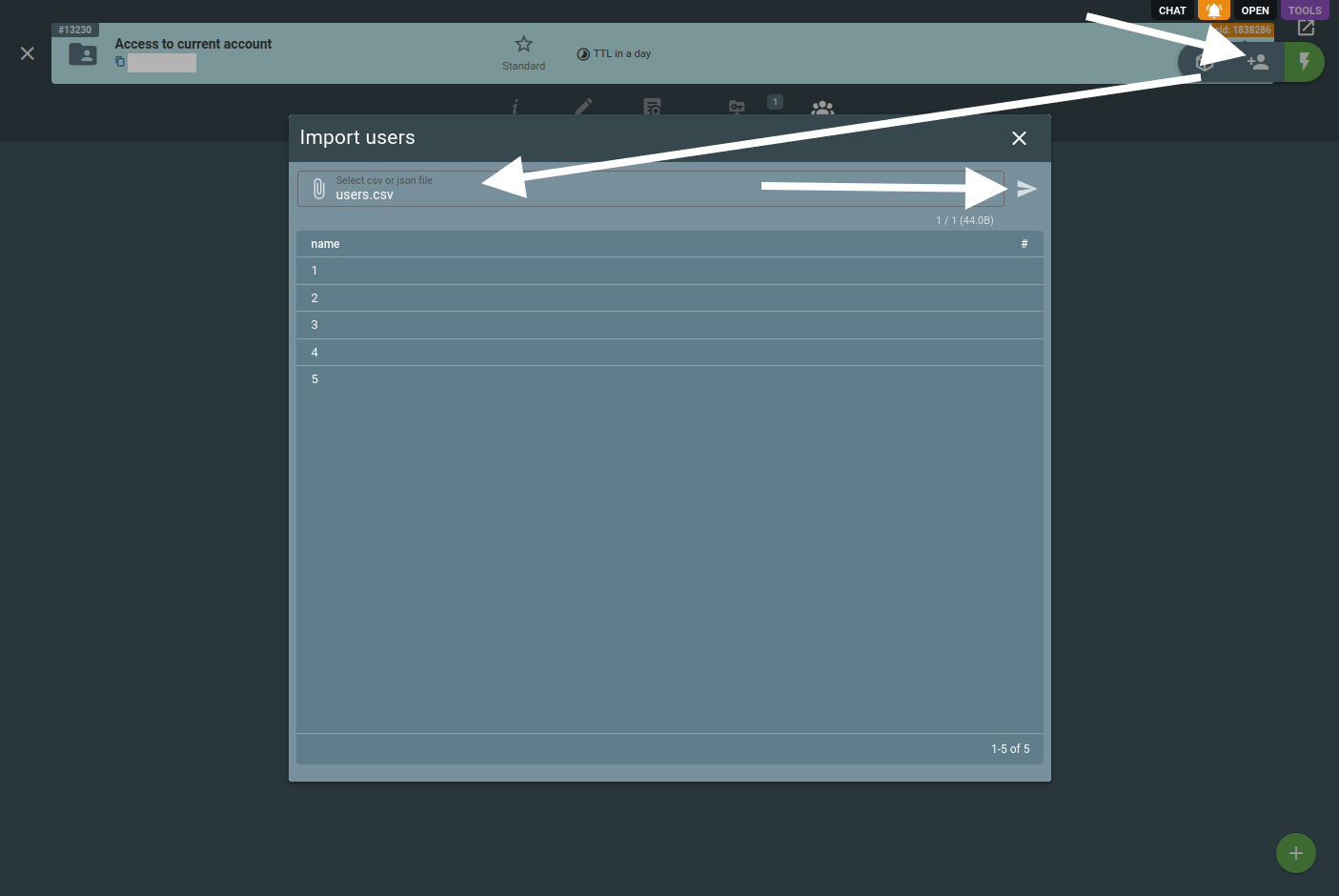
dexif 4.47.0 - Import tool for devices, device messages, realm users Спойлер ident,name,device_type_id,messages_ttl,messages_size,media_ttl,media_size 123456789,test,1,31536000,1000000,31536000,1000000
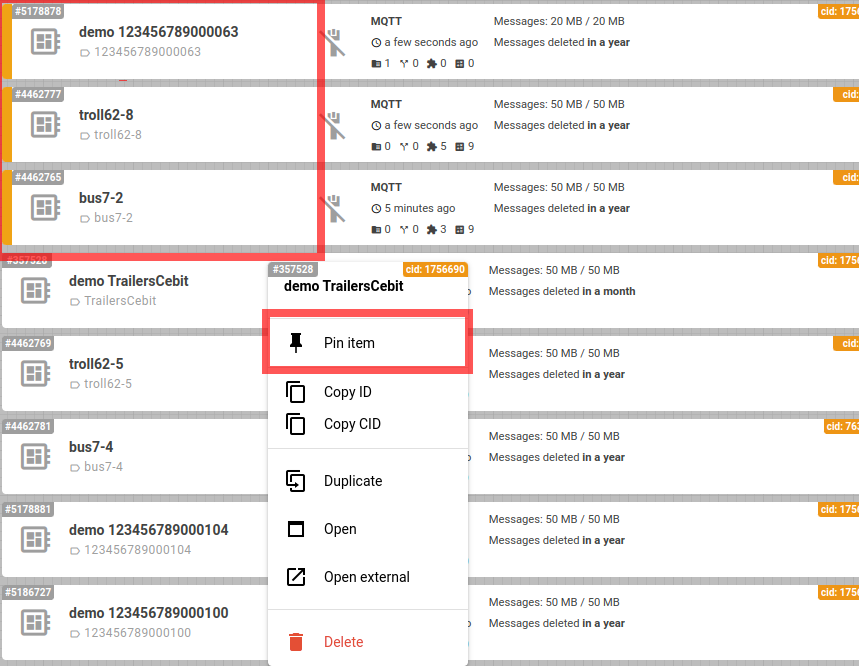
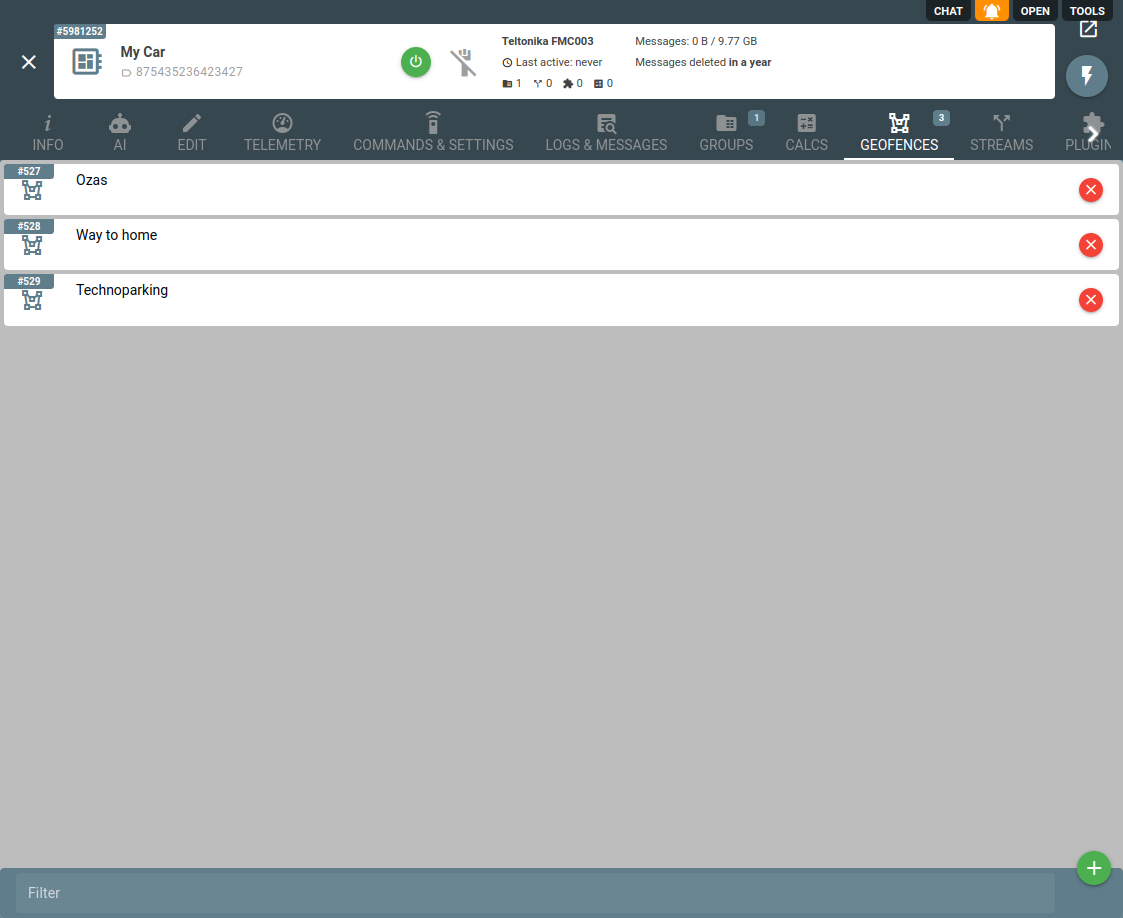
dexif 4.54.0 - added the ability to assign geofences to devices (currently works with plugins only) #25151
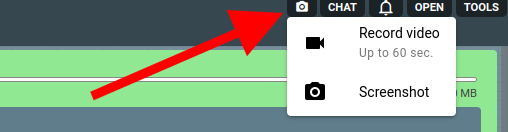
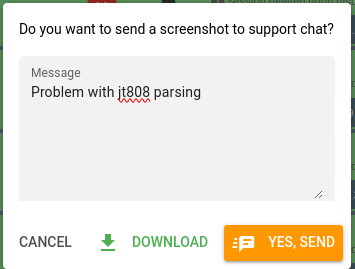
dexif 4.55.17 Now you can take a screenshot or record a video and send it to the support chat without using third-party applications. We have added video recording and screenshot functionality to flespi.io
dexif Added multichat mode in Helpbox. Now you can send messages to subaccount chats from your account.
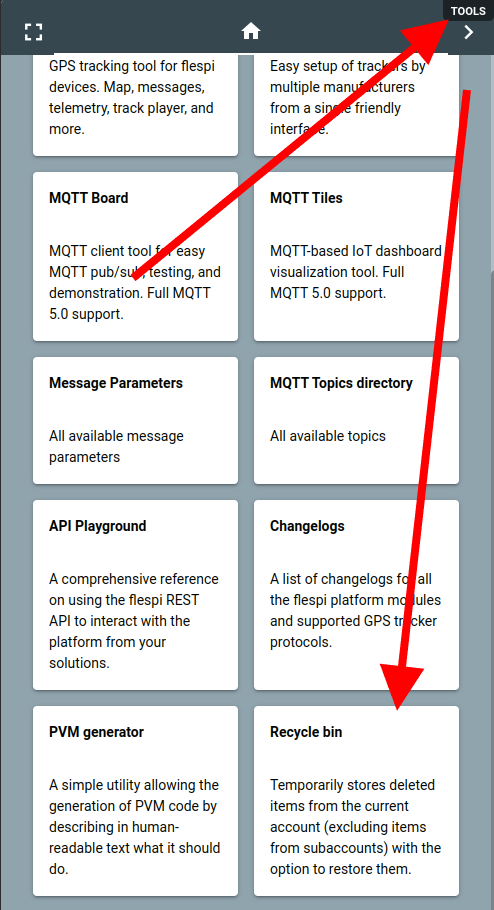
dexif v.4.63.0 updated mqtt topics directory (now with tree view mode by default) External url: https://flespi.io/#/topicsdirectory